How to use Barkat

From profile to Nikah.

A simple walkthrough of Barkat - Create your profile, send proposals, match, chat, and involve family when you are ready.

Step 01

Create your profile

Sign in and complete onboarding. Every profile is manually reviewed before it goes live — so families meet real people, not empty listings.

  • Six short steps: basic info, personal details, education & profession, photos, verification, then review & submit.
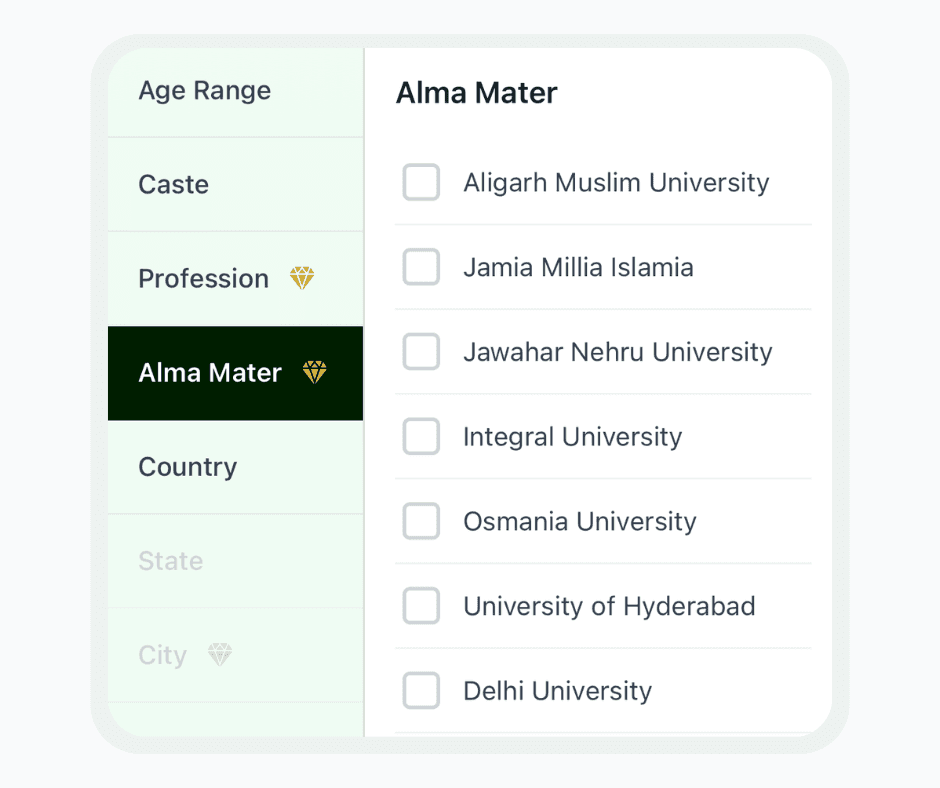
  • Add your university, city, and values so Alma Mater search works well for you.
  • Upload Photo ID, degree, and profession docs where asked — verification builds trust from day one.
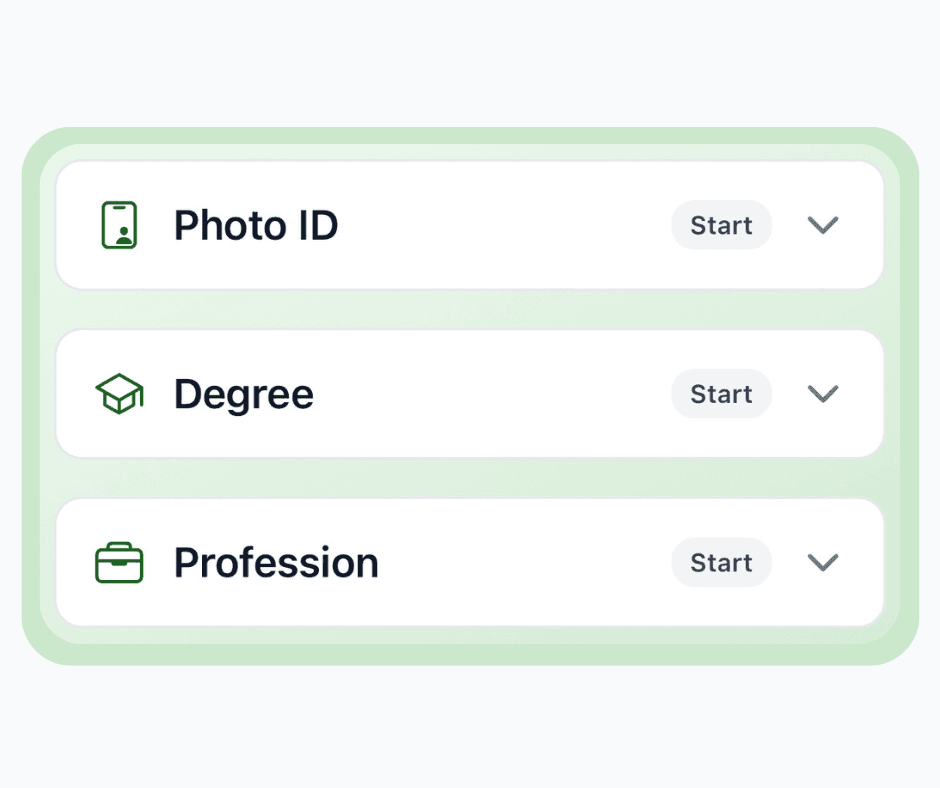
Barkat verification steps for Photo ID, degree, and profession

Step 03

Send a proposal

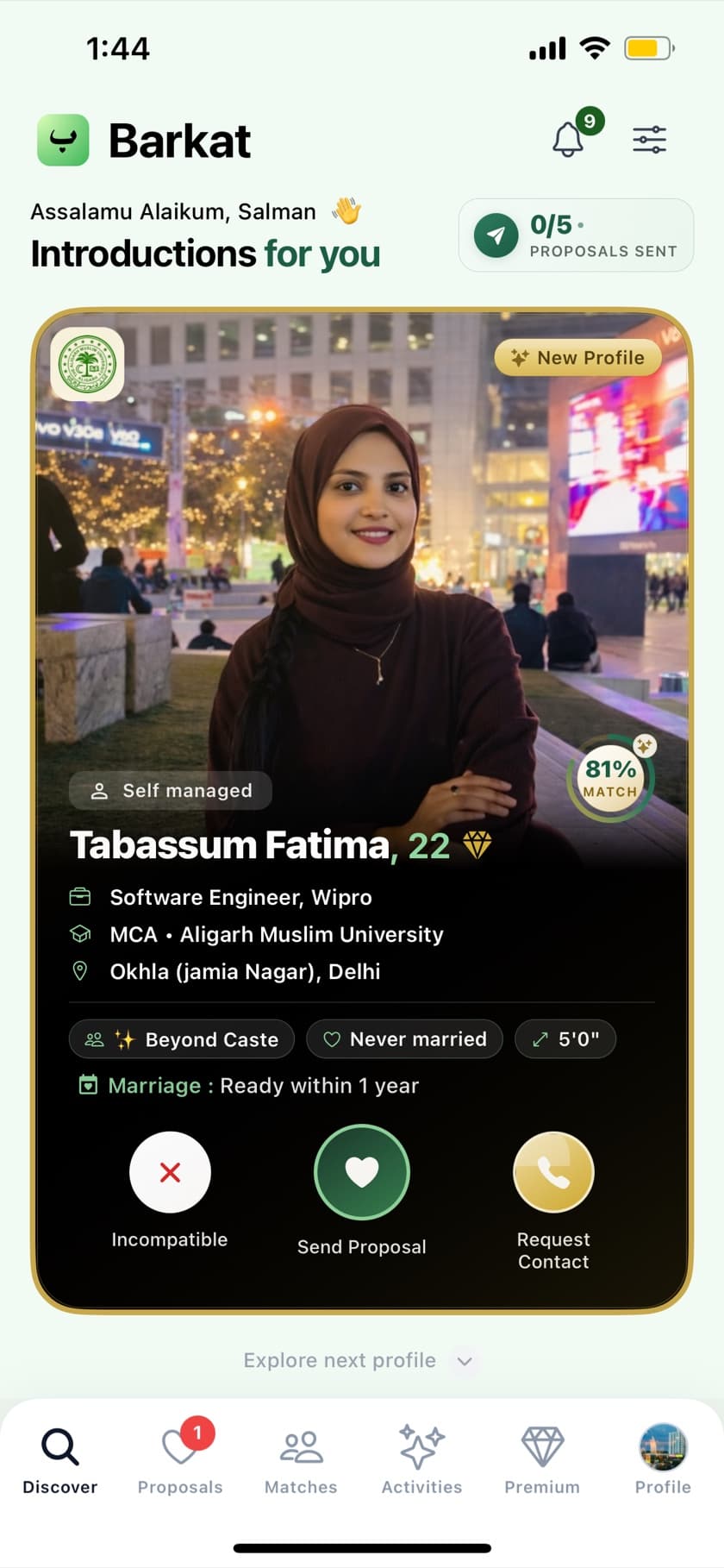
When a profile feels right, send a proposal from Discover. Photos and contact stay under your control until both sides are ready.

  • Tap the heart (Send Proposal) on a profile you want to pursue — you get a limited number of proposals.
  • Mark Incompatible to skip, or Request Contact when you are ready for a call with family involved.
  • Serious intent only — Barkat is for nikah, not dating.
Barkat Discover screen with Send Proposal on an introduction profile

Step 04

Match when both accept

A match happens when interest is mutual. Then you can message with clarity and move toward family involvement.

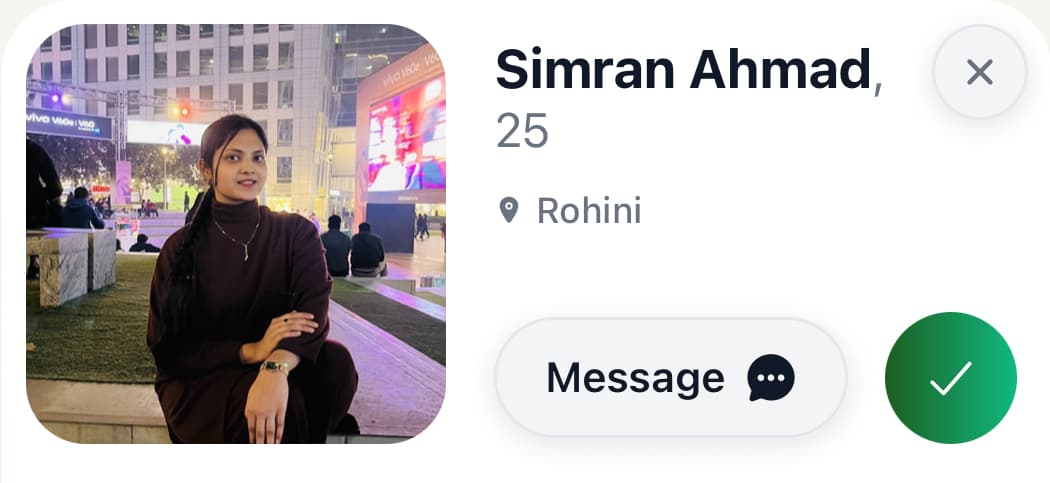
  • Accept incoming proposals with the checkmark, or decline with respect.
  • Use Message when you are ready to start a purposeful conversation.
  • Privacy stays family-first — share more only when both sides agree.
Barkat match card with Message and accept actions

Step 05

Chat with intent

After a match, open Messages to talk with dignity. Keep conversations purposeful and involve family when nikah feels close.

  • Find chats under Messages in the bottom navigation.
  • Stay on-platform for early talks — safer for you and your family.
  • Report or block anytime from the profile menu if something feels wrong.
Barkat chat header showing an active conversation

Step 06

Family access

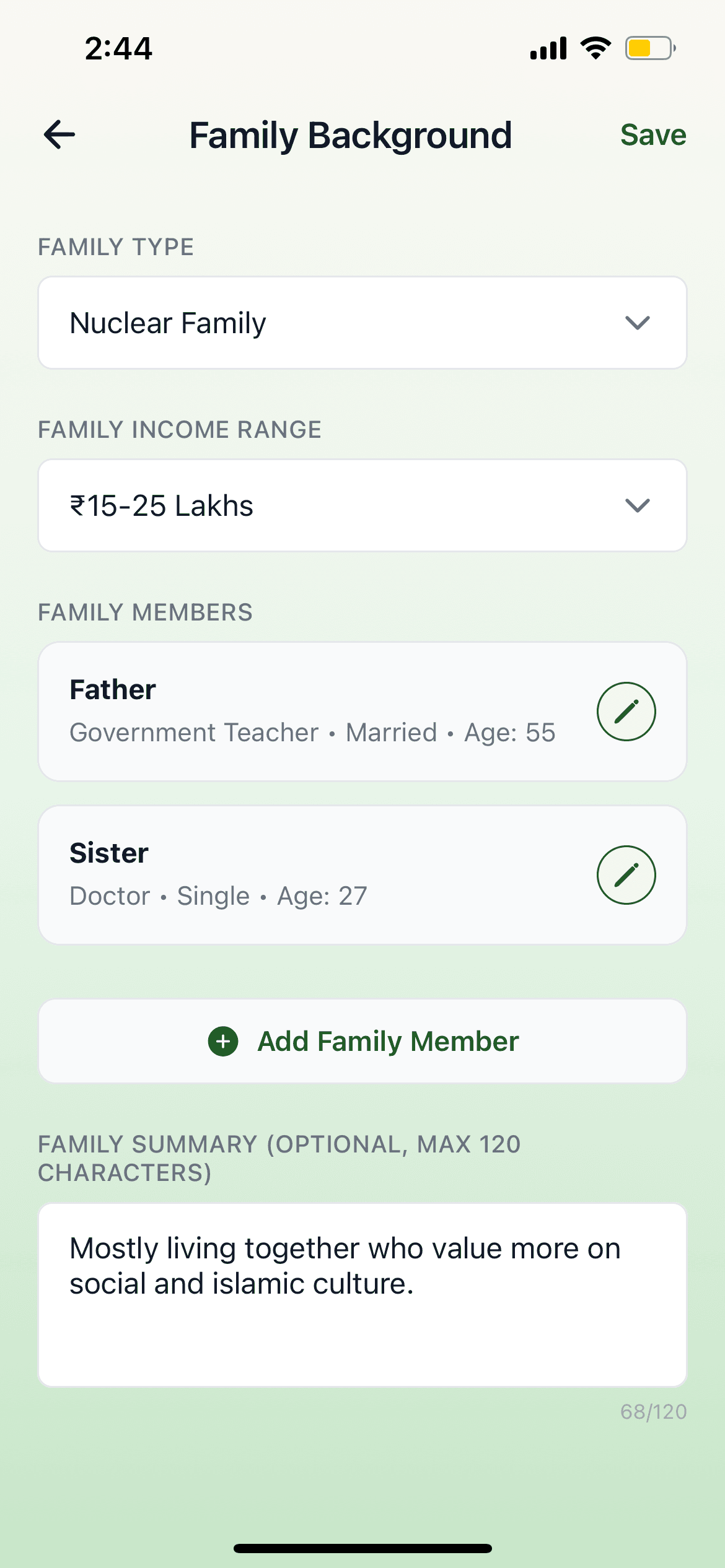
Barkat is built for families. Add family background on your profile and use guardian mode so parents or guardians can guide the journey.

  • Share family type, members, and a short family summary on your profile.
  • Link a parent or guardian phone during onboarding when they manage the search.
  • Involve family early for meetings, istikhara, and a dignified path to nikah.
Barkat Family Background screen with family members and summary